Roku to Sunset Aquatic Life Screensaver: What You Can Do
Roku is bidding farewell to its beloved Aquatic Life screensaver, leaving users searching for alternatives.
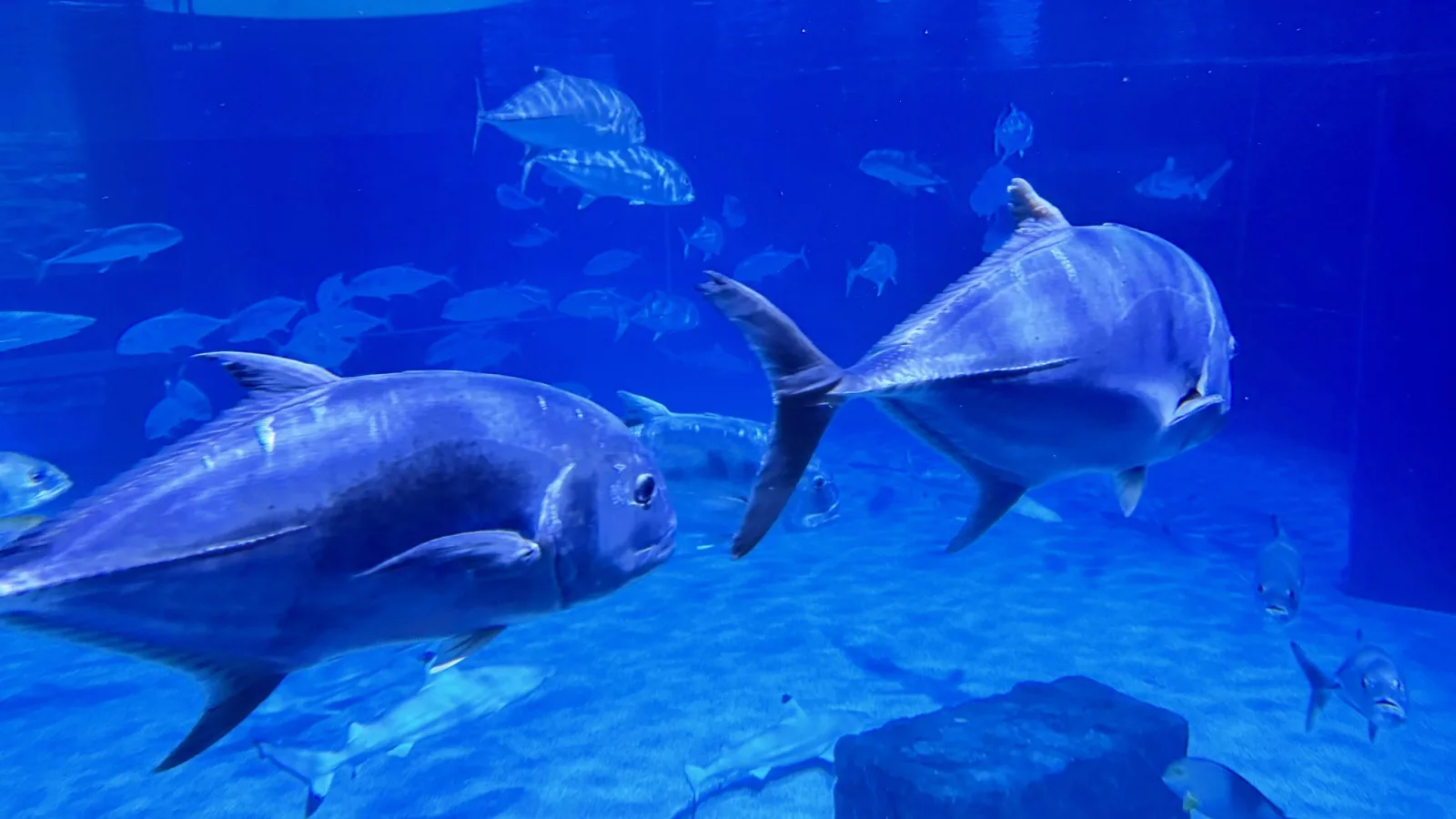
Roku has recently announced that it will discontinue its cherished Aquatic Life screensaver, much to the dismay of its fanbase. Starting December 1, 2026, Roku devices currently using this vibrant underwater scene will automatically switch to the Roku City screensaver.
A Fan-Favorite Departure
The Aquatic Life screensaver has been a staple for Roku users over the years, showcasing a serene digital aquarium filled with lively tropical fish. An important part of many users’ routines, the screensaver provides a calming backdrop for unwinding after a long day.
Users have taken to social media platforms, particularly Reddit, to express their feelings about the change. Many have remarked on how integral this specific screensaver has been to their viewing experience. In response to the outcry, Roku acknowledged the strong fanbase the Aquatic Life screensaver has cultivated, promising to relay user feedback to their development team.
Seeking Alternatives
While the end of the Aquatic Life screensaver is approaching, avid fans need not despair. There are several easy alternatives for those wanting to keep the soothing aquarium visuals alive:
- YouTube Loop: A two-minute version of the Aquatic Life screensaver is available on Roku’s official YouTube channel. Users can create a looped playlist featuring this clip, allowing them to enjoy the tranquility whenever they choose.
- Explore More Aquarium Videos: YouTube is filled with a variety of aquarium display videos. Users can find endless options to run in the background, perfectly simulating the calming atmosphere.
- Aquarium Apps: There are numerous aquarium-themed applications available on Roku's platform. Although they might differ slightly from the original screensaver, they still offer a delightful experience. Just keep in mind that many of these apps may come with ads.
- SereneScreen App: For those who would like to keep the aquarium visuals outside of the Roku environment, consider the SereneScreen app. This application is available for both mobile and desktop devices, allowing you to enjoy beautiful underwater scenes wherever you are.
A Closing Chapter
The news of the Aquatic Life screensaver's discontinuation has created a wave of nostalgia among users. The emotional bond many have formed with this screensaver reflects its impact on their daily routines. As Roku transitions to new screensaver options, users hope for the potential of revisiting Aquatic Life in the future.
In the meantime, with the numerous alternatives available, there are plenty of ways to continue enjoying the tranquility that an aquarium setting provides. By diversifying their viewing options through YouTube clips, apps, and other aquarium-themed content, fans can still revel in the experience they love.