
Overview
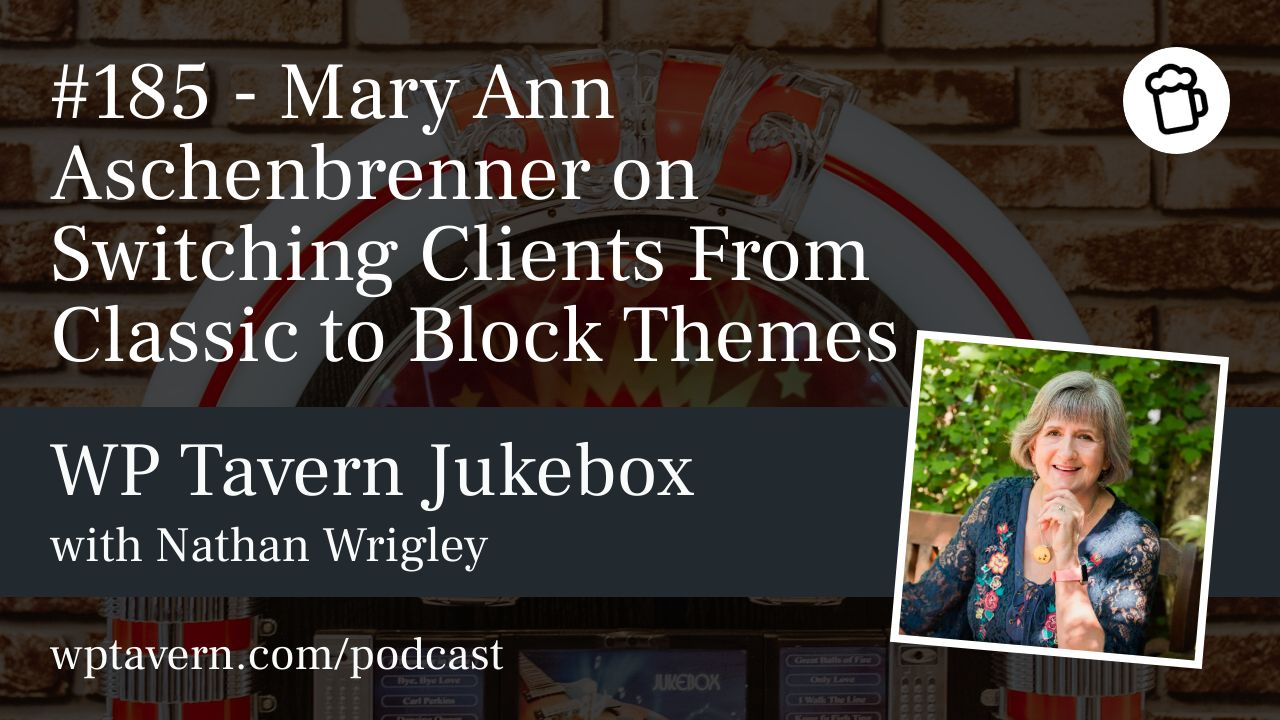
Nathan Wrigley interviews Mary Ann Aschenbrenner on the Jukebox podcast about practical ways to move client sites from classic WordPress themes to block-based full site editing themes. Mary Ann is president of Water Link Web, a Portland agency building WordPress sites for small businesses, nonprofits, e-commerce and memberships. She is a long-time WordPress user and a fan of default block themes.
Why move from a classic theme
– Security and maintenance: older themes or theme-related plugins may be unmaintained, blocking PHP updates and creating performance or security risks. Default block themes receive regular maintenance.
– Easier editing: the block editor and block themes make many edits more intuitive, reducing reliance on custom code and developer-only changes.
– Avoid third-party page builders: block themes and native blocks often cover most needs with less bloat and better performance.
– Future proofing: current default themes (2024, 2025) are supported and likely to stay compatible long-term.
When not to migrate
– If a site is stable, the client is happy, and there are no compatibility issues, migration can wait. Mary Ann keeps some long-running sites on classic themes until a clear reason to update appears.
Step-by-step migration process
1) Create a staging site
– Use a staging URL on the same server so the live site remains untouched while you work.
2) Activate a block/default theme
– Pick a current default theme (2024 or 2025). 2024 often matches standard business patterns; 2025 fits more personal or creative sites. Choose what fits the client.
3) Deactivate the Classic Editor plugin if present
– Pages and posts will show a Convert to blocks option in the classic block header. Use that to convert content to native blocks.
4) Review converted content
– Most paragraphs, headings, and basic elements convert cleanly. Typical issues to expect:
– Columns created with shortcodes or legacy approaches may not convert.
– Embedded content (YouTube, etc.) may require re-embedding with native blocks or updated plugins.
– Complex layouts or elements injected by the old theme (navigation, sidebars) may not map directly.
5) Fix or rebuild where needed
– Some pages can be fixed by cutting and pasting into new blocks. For particularly stubborn cases, rebuilding the site on a block theme may be faster than debugging legacy theme quirks.
6) Address navigation and advanced features
– Default themes handle many needs, but for specific requirements (mega menus, custom mobile navigation) use well-maintained plugins or minimal CSS. Mary Ann sometimes uses a mega menu plugin for strict navigation demands.
7) Test query loops and pagination
– Query loop patterns may not include a pagination block by default. If blog lists don’t advance, add an explicit pagination block inside the query loop pattern.
8) Go live after thorough testing
– Check responsive behavior, embeds, navigation, forms, and any third-party integrations before switching the live site.
Common gotchas
– Hidden theme behavior: the old theme may have injected elements that are hard to trace once you switch themes.
– Nested blocks: some functionality depends on nested blocks that do not appear automatically when choosing a query loop pattern.
– Mobile layout expectations: full-width images with overlay text can behave differently on small screens; set expectations with clients ahead of time.
– Page builders: migrating away from heavy page builders can expose a lot of extraneous code and take longer for builder-heavy sites.
Client training and workflow
– Integrate teaching into the build: Mary Ann uses screen sharing to demonstrate the block editor, the options menu, selecting and editing blocks, and adding posts.
– Limit full site editing access for clients who are not comfortable: she usually handles templates and site-wide edits and teaches clients how to edit pages and create posts.
– Most clients with basic computer skills learn block editing quickly.
– She generally does not lock blocks; clients own their sites and can make changes, with the agency available to fix issues when needed.
Tools, theme choices, and plugins
– Mary Ann favors default WordPress themes (2024, 2025) because they are maintained, stable, and broadly supported.
– Themes are useful starting templates, especially for clients transitioning from platforms like Squarespace who benefit from a photography or business template instead of a blank canvas.
– Use plugins selectively for features blocks don’t yet fully cover, such as mega menus or specialized navigation.
Real examples and community involvement
– Converting a site with over 200 blog posts is manageable but time-consuming; automated conversion plus spot-checking works well.
– At a Contributor Day, Mary Ann discovered a query loop pattern intentionally lacked pagination. That learning shows the value of community events for troubleshooting and learning core behavior.
– Contributor events are useful for asking questions, reporting issues, and learning from core contributors.
Practical advice summary
– Always use a staging site.
– Start with a default block theme as a reliable foundation.
– Use the editor’s Convert to blocks feature, then review and fix shortcodes, embeds, and column layouts.
– Test navigation, query loops, and pagination; add missing nested blocks when necessary.
– Teach clients during the build and limit full site editing if they are uncomfortable.
– Use plugins sparingly for functionality blocks do not yet cover.
Where to find Mary Ann
– Website: waterlinkweb.com
– Instagram: Water Link Web
– LinkedIn: Mary Ann Aschenbrenner
This episode provides practical, tested steps and real examples for migrating client sites from classic themes to modern block themes, plus guidance on client training, common pitfalls, and why default block themes are a solid choice.