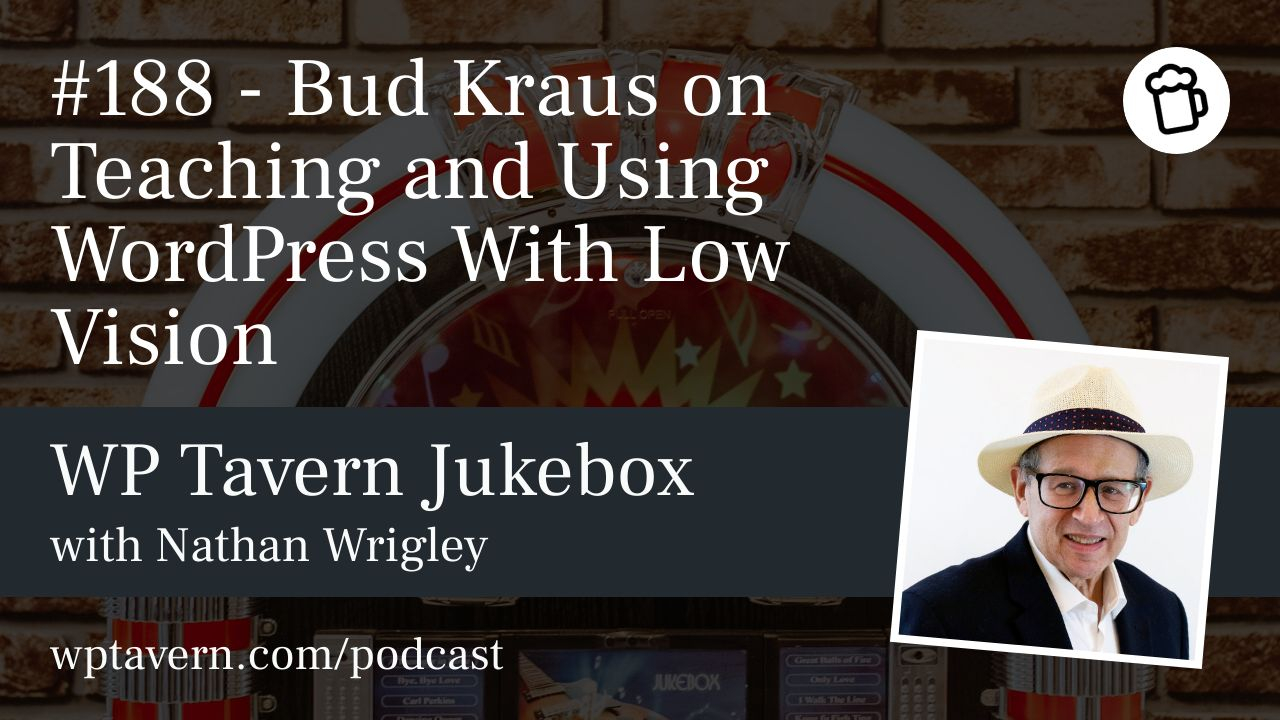

Nathan Wrigley interviewed Bud Kraus at WordCamp US 2025 about living and working with macular degeneration and how it informs his teaching and work with WordPress.
Bud was diagnosed with macular degeneration at 37. The condition destroyed his central vision in both eyes, so he can’t see straight ahead well, read fine print, recognise faces, or drive. His peripheral vision remains intact, allowing him to navigate without a cane or guide dog and continue living and working independently. Over time Bud moved from grief to acceptance and reframes many aspects of his situation as sources of opportunity and perspective.
Practical adaptations
Bud relies on practical adaptations rather than using complex screen-reader systems. On macOS he enlarges icons and text, lowers display resolution (for example to 1024×768) to make UI elements bigger, and uses built-in text-to-speech for selected text. He frequently zooms in and out of pages and compensates with touch and memory. New-device setup can be awkward because initial configuration screens are tiny and often lack audio, revealing an accessibility gap.
When presenting or teaching, Bud prepares meticulously. He cannot wing lessons — he plans content, memorises slide order and key points, and uses pattern recognition developed over years of coding and teaching. This preparation, combined with screen zoom and text-to-speech, lets him teach WordPress, develop tutorials, and produce his podcast, Seriously, Bud?.
Working with WordPress and tools
Bud does some site editing and publishing but generally prefers content and teaching work over building client sites. He writes in a simple, large-type editor (TextEdit on macOS) and then pastes into the WordPress editor instead of composing directly in Gutenberg. Dense UIs and too much on-screen information are difficult for him; frequent interface changes force relearning and slow him down. For visual tasks like colour choices he asks colleagues or friends for help.
On Gutenberg and page builders, Bud says accessibility is complex and personal. From a usability standpoint, the block editor can feel complicated; he sometimes finds Elementor easier. His main criticism is about cluttered, unclear interfaces — a frustration many users share, not just those with low vision.
Assistive technologies
Bud does not typically use JAWS or other advanced screen readers. Built-in macOS accessibility features are sufficient for his needs, and he prefers to avoid more complex assistive systems unless necessary. He stresses that vision loss is a spectrum: what works for him may not work for others, so accessibility design and testing should recognise wide individual variation.
Events, presentations, and audience interaction
At conferences Bud attends talks but often cannot see distant presentation screens. He listens closely, sometimes photographs slides for reference, and has given a talk titled ‘Using low vision as my tool to help me teach WordPress.’ For presentations he memorises structure and content so he isn’t dependent on reading slides; not seeing audience faces also reduces his stage fright.
Career, teaching, and AI
Bud has taught web design and accessibility since the late 1990s, including a course called Accessible Web Design. He now focuses on broader teaching, writing, and content work rather than accessibility consulting. He writes tutorials and technical articles for WordPress businesses and hosts the Seriously, Bud? podcast, which has attracted sponsorships. He sees AI as a career extender: it helps with writing, coding, and tackling more advanced technical topics, enabling continued learning and contribution.
Views on accessibility and practical advice
Bud believes accessibility is essential because inaccessible interfaces exclude potential users and customers. If a product is too hard to use, he’ll abandon it. He emphasises designing for a broad range of people and devices while acknowledging that accessibility is idiosyncratic and difficult to fully standardise. He also points out that living with a disability does not obligate someone to specialise in accessibility professionally.
Practical tips Bud shares: over-prepare presentations; use system zoom and built-in text-to-speech; draft content in a large-type editor and paste into WordPress; and ask others for help with colour and other visual decisions. His WordCamp US talk and the broader interview include more anecdotes and examples. To view his presentation, search for his WordCamp US 2025 talk titled ‘Using low vision as my tool to help me teach WordPress.’