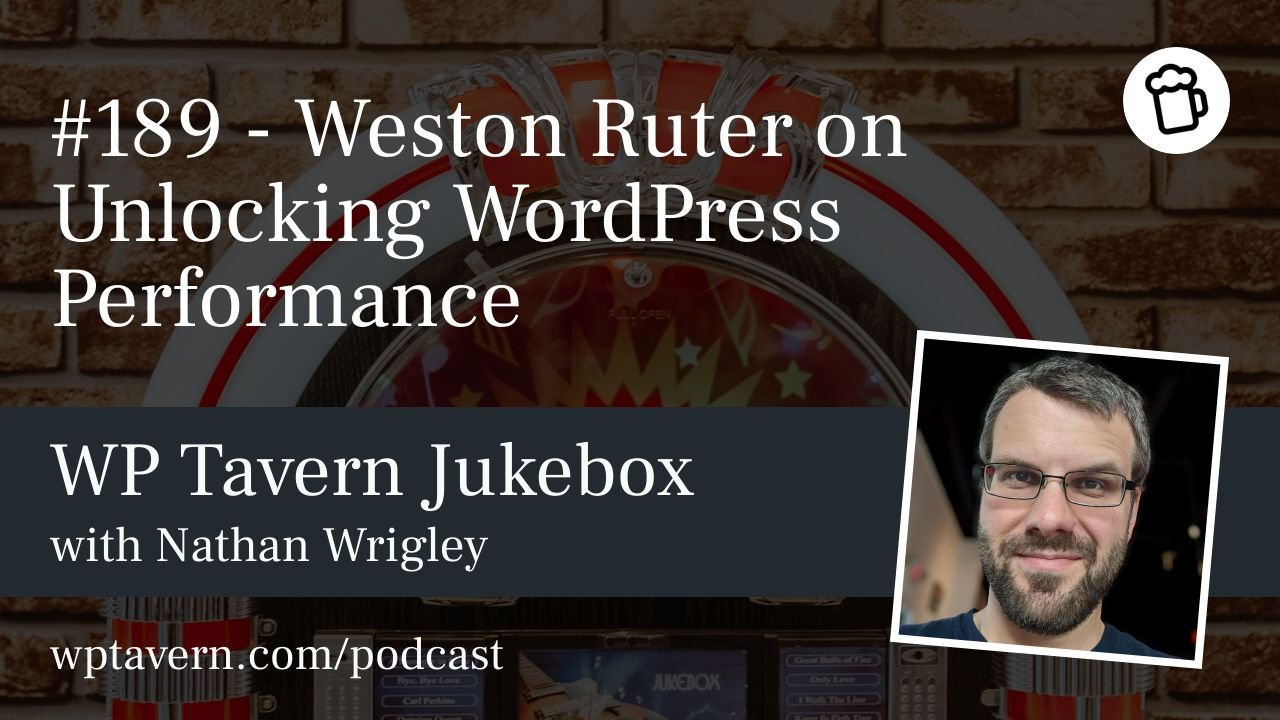

Nathan Wrigley talks with Weston Ruter, a long‑time WordPress contributor, core committer, former Google developer relations engineer, and active member of the WordPress Core Performance Team. They discuss why speed matters, how to measure it properly, what the Performance Team has shipped, and what to expect next.
Why speed matters
A slow site frustrates users and harms conversions, retention, and discoverability when content relevance is equal. Lab tools like Lighthouse are useful, but they simulate conditions and can misrepresent real user experience. True measurement uses field metrics — real user data — especially Core Web Vitals: Largest Contentful Paint (LCP), Cumulative Layout Shift (CLS), and Interaction to Next Paint (INP). LCP under 2.5s is considered good, but improvements within that range still meaningfully improve user experience.
WordPress out of the box
A fresh WordPress site with the 2025 theme often gets excellent Lighthouse scores, but lab success does not remove all opportunities. The Performance Team focuses on making WordPress fast by default so site owners do not need deep performance expertise to get good real‑user results.
Democratizing performance
The team follows a decisions, not options philosophy: sensible defaults should benefit the majority. Because WordPress powers a diverse ecosystem of themes and plugins, variability is inevitable. Tools that surface a plugin’s performance impact, alongside security and code quality signals, would help site owners choose better components.
What the Performance Team has shipped
– Lazy loading: Core added lazy loading for images, but lazy loading above‑the‑fold images can harm LCP. Fixes include not lazy loading initial viewport images and using fetchpriority for critical images like featured images.
– Emoji detection: Inline script used to detect emoji support caused long tasks on slower devices; it was optimised and inlined cost reduced.
– Modern image formats: Support for WebP and AVIF reduces bytes transferred for images.
– Speculative loading: Landed in 6.8 with conservative defaults. WordPress now prefetches HTML on pointerdown for logged‑out users when page caching is present. The Performance Lab plugin exposes more aggressive options (prefetch on hover, pre‑render). Pre‑rendering can make navigations feel instant but needs caution to avoid wasted bandwidth.
– Enhanced responsive images: A Performance Lab plugin uses block structure to produce better sizes attributes so browsers request appropriately sized images, often improving LCP more than format changes alone because it avoids downloading oversized images.
– Back‑forward cache (bfcache): WordPress historically sent headers that prevented bfcache, making back/forward navigations slow and causing state loss. The team is experimenting with safer defaults and fixes to enable bfcache (targeted for 6.9), addressing privacy and authenticated‑page concerns.
Speculative loading and tradeoffs
Speculative loading acts on user intent signals like pointerdown or hover. Defaults are conservative to avoid overwhelming origin servers: it acts for logged‑out users when page caching exists. Admins can opt into aggressive modes with warnings about caching and server load. Pre‑rendering is powerful but can waste bandwidth if applied indiscriminately; good caching mitigates server impact.
Script modules, interactivity, and prioritization
The Interactivity API encourages server‑side rendering for block UI while relying on client scripts only for interactivity. ESM script modules are non‑blocking for parsing, but they still compete on the network and can delay critical visual resources. The team is adding fetchpriority low to interactivity scripts so browsers prioritise visual content like LCP images first.
JavaScript, long tasks, and INP
Long JavaScript tasks after initial render cause jank and hurt INP. Best practices include breaking up heavy handlers with cooperative yielding (for example, scheduler.yield) and avoiding synchronous, heavy work in event handlers to keep the UI responsive.
Cumulative Layout Shift
CLS happens when content moves unexpectedly, often from late image loads, ads, or injected elements. Work continues on predictable sizing, reserving space for dynamic content, and encouraging patterns that avoid shifts.
Block themes versus classic themes
Block themes have a performance advantage because server rendering can determine which CSS and JS a page actually needs, enabling selective asset loading. Classic themes often load larger global CSS/JS regardless of page content. Combined with enhanced responsive images and modern formats, block themes can significantly reduce bytes and improve LCP.
Device diversity and testing
Testing only on new, powerful devices hides the experience of most users. Test on mid‑ and low‑end devices or use CPU throttling in DevTools. Real user metrics and device diversity reveal issues that matter most in production.
Ecosystem and standards influence
WordPress changes have influenced browser features: responsive image work helped drive browser support, and WordPress adoption of speculative loading encouraged wider implementation. Collaboration with browser teams helps align platform features with CMS patterns.
Tools and learning
Follow curated newsletters and trusted experts rather than trying to track every social post. Resources mentioned include Within WP and performance content from Jono Alderson. The Performance Lab plugin in the WordPress.org repo lets site owners experiment with features and measure impact.
Practical advice
– Rely on field metrics (Chrome UX Report, Core Web Vitals) for real user performance. Lab scores alone are insufficient.
– Use block themes and enhanced responsive images where possible.
– Ensure page caching and persistent object cache before enabling aggressive speculative loading or enabling features for logged‑in users.
– Test on average or low‑end devices and use throttling to surface long tasks.
– Prefer single‑purpose plugins and avoid bloated multipurpose plugins that are hard to replace.
– Monitor plugin performance impact; better auditing in the plugin directory could help site owners.
What’s next
WordPress 6.8 shipped conservative speculative loading defaults. 6.9 aims to expand bfcache compatibility, refine Interactivity API behavior (including fetchpriority tweaks), and continue landing safer defaults and fixes. The Performance Team will keep iterating on core defaults, plugins, and tooling to make speed the default for as many sites as possible.
Closing
Weston enjoys the collaborative work of improving WordPress at scale. The goal is clear: lift baseline performance so site owners do not have to become performance specialists to deliver fast, reliable experiences for their visitors.