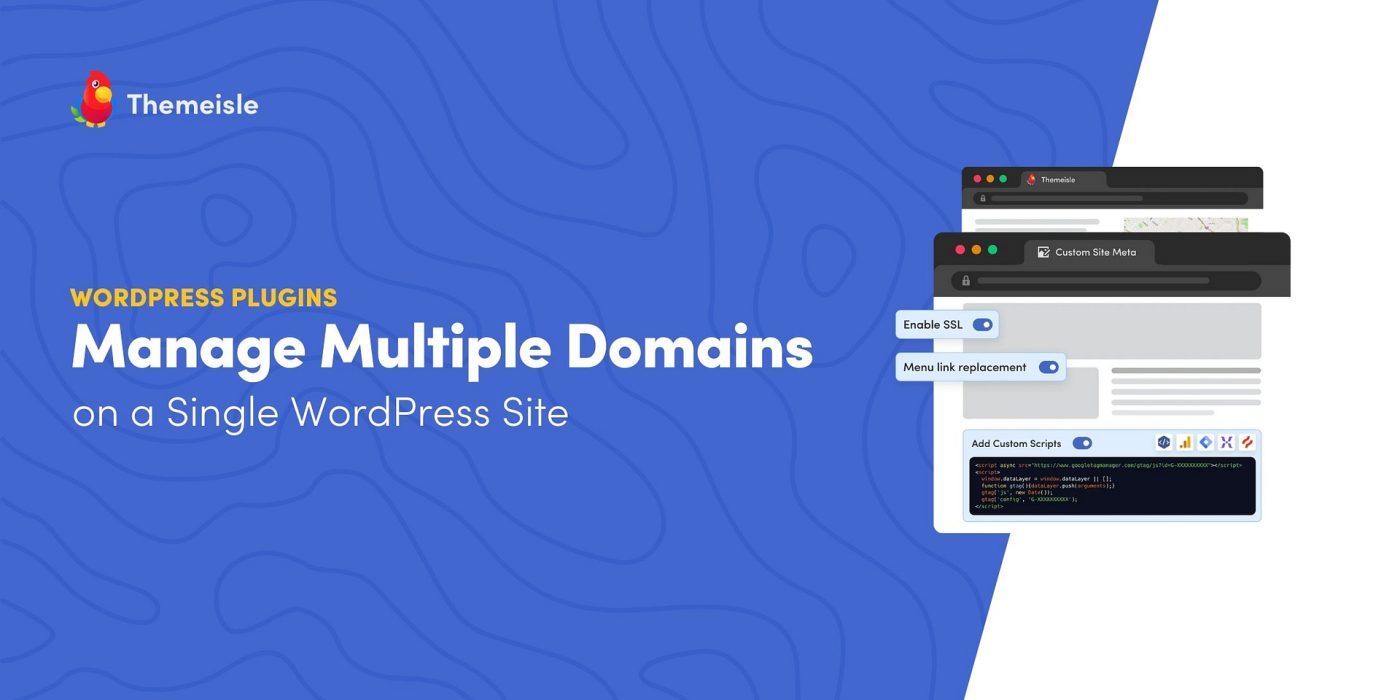

Scaling a digital product business often means presenting each product line with its own brand and domain. You don’t need a separate WordPress install for every brand. With the right approach you can manage multiple domains from a single WordPress dashboard and spend more time creating and selling, not maintaining sites.
Why you might want multiple domains
Branded domains help customers understand what you sell: examples like brandedtemplates.com for design assets or yournamecourses.com for online classes make messaging clear. But running separate sites quickly creates overhead:
– Multiple hosting accounts and control panels
– Repeated theme purchases and plugin licenses
– Individual security and updates for each site
– Time lost duplicating features, fixes, and configurations
That overhead slows growth. Consolidating management removes these distractions.
The solution: WP Landing Kit
WP Landing Kit lets one WordPress installation serve many domains. Instead of cloning sites or building a multisite network, you map different domains to specific pages, posts, product pages, members areas, or micro-sites — all from one admin area.
What you can do with it
– Point any domain to a single landing page or an entire section
– Map a domain to selected blog posts, product pages, galleries, or course content
– Assign domains to member areas or sub-sites without separate installs
– Customize tracking, SEO, and redirects per domain
Not WordPress Multisite
This isn’t a multisite setup. Multisite can be powerful but complex to configure and maintain. WP Landing Kit focuses on simple domain mapping for sellers who want straightforward control without extra technical work.
Quick setup in five steps
1. Install WP Landing Kit on your main WordPress site
2. Add the domains you own in the plugin dashboard
3. Map each domain to the pages or sections you want to serve
4. Update DNS records to point the domains to your host
5. Verify SSL and launch
For visual guides and troubleshooting, the WP Landing Kit documentation walks through each step.
Key features that help sellers
– Domain-specific tracking scripts and analytics
– SSL management across mapped domains
– Redirects and custom routing without code
– Per-domain SEO settings and metadata
Why this saves time and money
– Single login and centralized control — no juggling sites
– Buy themes and plugins once and use across brands
– Update security and features in one place
– Faster launches for new offerings because there’s no site build
Users report saving hours each week and cutting annual hosting and licensing costs substantially.
Customer experience
One customer praised WP Landing Kit for simplifying multi-domain landing pages and keeping branding consistent across offerings, calling setup easy and support responsive.
Other ways to use it
– Learning platforms with a domain per subject
– Membership sites using branded member domains
– Agencies hosting campaign-specific landing pages centrally
– Service businesses running client microsites on one backend
– Coaches managing separate programs or brands from a single site
Pricing and next steps
Pricing starts at $99/year with lifetime license options available. For many businesses this pays for itself through reduced hosting, licensing, and maintenance expenses.
Questions about whether this will work for your products or how to map specific domains and content? Check the plugin docs or contact WP Landing Kit support for tailored help.