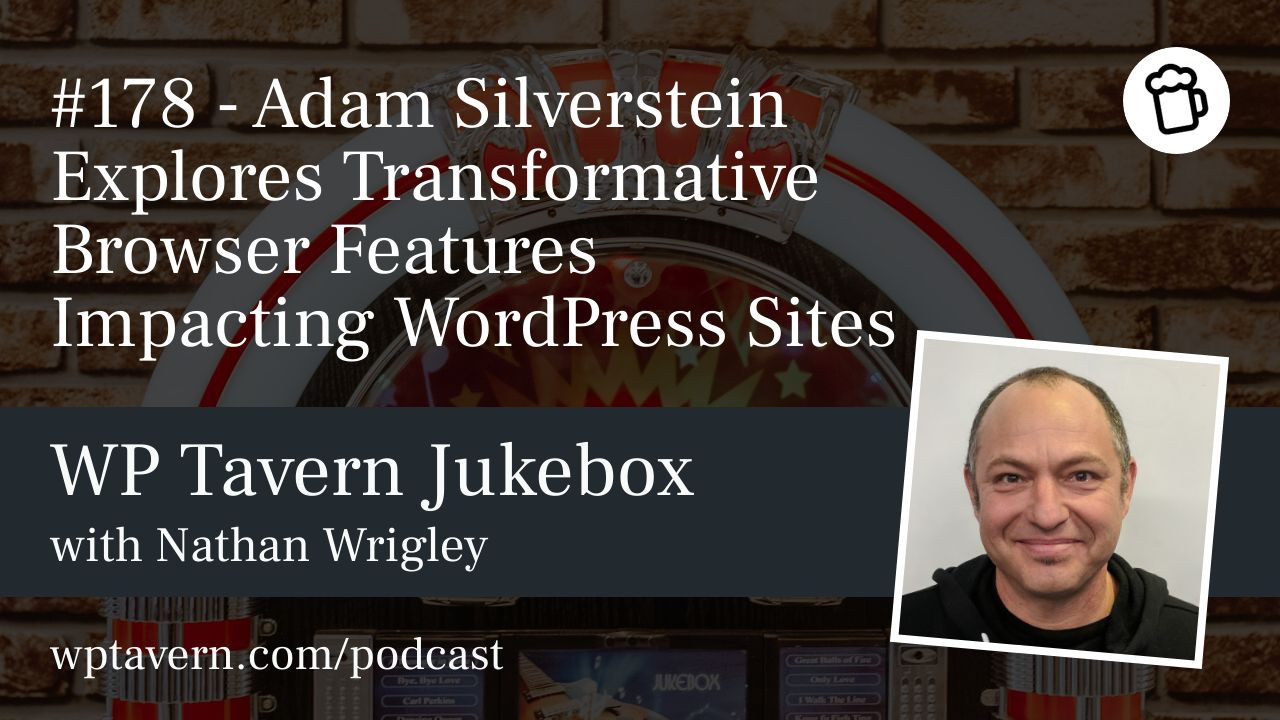

Adam Silverstein, a WordPress Core committer and Developer Relations Engineer on Chrome’s Web Platform team, outlined at WordCamp Europe 2025 how modern browser APIs are expanding what WordPress developers and site owners can build. Many browser-native features reduce JavaScript, improve accessibility and performance, and unlock capabilities that were previously impractical.
Three classes of browser improvements
– Replacements for heavy JS: native APIs that replace bulky JavaScript implementations and cut page weight.
– UX improvements: smoother, more app-like interactions and built-in accessibility behavior.
– Previously impossible features: things like client-side image processing and local AI that change workflows.
Interop and Baseline: coordination matters
Browser vendors coordinate on which features to implement through the public Interop process. Baseline signals feature availability across major browsers, so developers can safely depend on them. Many features are still rolling out, so plan for fallbacks or conservative defaults until cross-browser support stabilizes.
Key browser features and why they matter for WordPress
Popover API
Popovers (tooltips, dialogs, pointers) are common in WP Admin and Gutenberg and are surprisingly tricky to implement accessibly. The Popover API lets the browser manage positioning, stacking, escape behavior, and window changes so you need far less JavaScript and get better accessibility and less maintenance overhead.
CSS advances and scroll-driven animations
Modern CSS can now express behaviors previously done in JS. The Scroll-Driven Animations API, for example, ties animations to scroll position and runs off the main thread. That frees JavaScript for critical tasks while delivering performant visual effects like reading progress or fade-ins.
Speculative Loading (Speculation Rules API)
Speculative loading allows browsers to prefetch or prerender resources for links a user is likely to click. WordPress 6.8 ships a conservative approach that starts prefetching on mousedown—very likely navigation—reducing wasted bandwidth and server load. More aggressive modes (hover, prerender) can make transitions feel instant but raise bandwidth and server-cost tradeoffs. WordPress chose conservative defaults; plugins may expose stronger options for sites that can afford them.
CSS Carousels
Many WP sites load slider libraries. Native CSS carousels seek parity with JS libraries (controls, indicators, grouped slides) so authors can avoid heavy libraries, use compositor-thread animations, and get better default accessibility with simpler markup.
Customizable select elements
Selects used to be OS-rendered and limited. New support for richer HTML in option content allows icons and images while preserving semantics, autofill, and accessibility—giving consistent styling and clearer controls across platforms.
View Transitions API
View transitions let elements smoothly morph between pages or states (a title growing into place, an image expanding). These transitions can be automatic or customized via CSS. They improve perceived speed and feel without changing network performance. Performance Lab and feature plugins offer opt-in theme support so themes can adopt view transitions easily.
Images, HDR and modern formats
Phones capture HDR, and formats like AVIF and Ultra HDR offer better compression and high-dynamic-range support. But WordPress image processing depends on server-side libraries (GD, Imagick), which lag behind in format support. New standards like Ultra HDR carry metadata that allow a single file to render on HDR displays while degrading gracefully on SDR screens, but broad host support for modern formats can take years.
Browser-based image processing via WebAssembly
WebAssembly makes it possible to run complex native libraries in the browser. That enables client-side image conversions during upload (e.g., to AVIF or WebP), GIF-to-video conversion, or other optimizations, even if the server lacks the necessary libraries. Uploads can be processed asynchronously in the browser and stored in optimized formats, letting sites adopt modern image workflows without waiting for hosts to upgrade.
In-browser AI
Libraries like Transformers.js can run smaller models locally in the browser. Benefits include no API keys, no cloud costs, and improved privacy since data is processed locally. Use cases: summarizing content, comment moderation, or basic image analysis. These models are smaller and less capable than cloud models, but a local-first/hybrid approach (local model with cloud fallback) can work well for many site-focused tasks.
Practical implications for WordPress developers
– Core vs plugins: WordPress follows an 80/20 rule—Core implements broadly useful defaults, while plugins and canonical blocks can deliver opt-in or advanced capabilities. Many browser features make good candidates for canonical plugins or theme opt-ins rather than Core-by-default.
– Examples already shipping or experimental: Speculative loading in Core (conservative), Performance Lab and plugins for view transitions, Gutenberg experiments for scroll-driven toggles and image hooks, and experimental plugins like Media Experiments for browser-side image processing.
– Fallbacks and defaults: Because browser support is staggered, ship conservative defaults and provide opt-ins for more aggressive behavior that increases server cost or bandwidth.
Data, privacy, and measurement
Chrome provides opt-in telemetry, and aggregated datasets like CrUX (Chrome User Experience Report) help researchers and plugin authors understand real-world usage. Developers should consider privacy when designing prefetching, client-side AI, and heavy local processing—be transparent and opt-in where appropriate.
How to get involved
The Interop GitHub process and browser repositories are public. Developers—especially those in large ecosystems like Gutenberg and WordPress—should file issues, propose use cases, and report pain points. WordPress contributors have already influenced Interop priorities; continued engagement helps shape features that matter.
Bottom line
Modern browser capabilities—native UI primitives, speculative loading, view transitions, client-side image processing, and local AI—can reduce JS bloat, boost accessibility and perceived speed, and enable new workflows. WordPress is beginning to adopt these APIs via Core changes, canonical plugins, and experiments. Theme and plugin authors should watch Interop/Baseline progress, try existing experiments (Performance Lab, Gutenberg experiments, Media Experiments plugin), and provide feedback. Test, report experiences, and help prioritize real developer needs so the web platform evolves in ways that benefit the whole ecosystem.