
Overview
Playground is a browser-based, fully functional WordPress environment that runs without a separate server, database, or local PHP installation. Built with WebAssembly, SQLite, Service Workers and worker threads, it creates a working WordPress site inside your browser in seconds — ideal for testing, demos, teaching, or experimenting without touching live installations.
How Blueprints work
Blueprints are JSON configuration files that define a Playground instance. They can specify PHP and WordPress versions, enable features, install plugins and themes, import content, and run scripted steps like auto-login, opening a landing page, executing WP-CLI commands, or creating content. A Blueprint can be shared simply by linking to its JSON, so a single click can launch a tailored demo or test site.
The Blueprints Gallery contains many ready-made examples: admin notices, dashboard widgets, bulk post creation via WP-CLI, WooCommerce setups with products preloaded, theme demos (for example the 2025 theme), and saved Gutenberg experiment states. Blueprints are editable inside Playground: you can view the JSON, tweak it in the built-in editor, run the configuration, and reload the instance to see updates immediately.
Primary use cases
– Education: Instructors can give students identical, instantly available environments without any server or local setup. This is particularly useful for live classroom exercises and one-to-many workflows.
– Demos and support: Plugin and theme authors can provide interactive, hands-on previews so users can try features directly rather than only watching videos or reading screenshots.
– Development workflow: A VS Code extension can launch a Playground instance with the developer’s plugin or theme already installed. Designers can edit themes, then push changes back to GitHub as pull requests using Playground as an intermediary.
– Documentation contributions: Prototypes enable contributors to edit docs within Playground and create PRs so reviewers can load changes into their own Playground instances for verification.
Commercial plugins and self-hosting
Playground can install plugins from the public WordPress repository and from GitHub. It supports self-hosting so vendors can deploy Playground on their own domains and include premium plugins or private repositories. Planned features include private GitHub support and improved proxying for external assets. Self-hosted Playground lets vendors control branding and trial experiences and offers users immediate trials without downloads or configuration.
Data migration and the Data Liberation Project
Playground is being used as part of the Data Liberation Project: tooling to parse and import content from other systems and facilitate migrations. A browser extension prototype helps identify non-WordPress content and map it into WordPress structures. Playground can act as middleware in migration workflows: import data from a legacy source, inspect and adjust it inside Playground, then export or push it to a hosting destination. This approach reduces friction when moving content between platforms or hosts.
Technical limitations and ongoing work
Playground uses SQLite, which is compatible with most plugins but can encounter issues with some MySQL-specific SQL behaviors (for example certain UNION queries). The team runs monthly compatibility tests and has reduced the fraction of incompatible plugins from about 7% to 5%; work continues to close that gap. Private GitHub repository access and better proxying for external assets are in active development, along with other improvements to increase plugin compatibility.
Persistence, exports, and Studio
By default Playground sessions are ephemeral, but several persistence options exist:
– Browser-local save: site state is stored in the browser so you can reopen it on the same machine and browser.
– Download to file: export the entire site and reload it later into Playground.
– Multiple sites per instance: you can run several sites in one Playground session, but unsaved ephemeral sites are lost when the tab is closed.
Studio is a complementary local app built from Playground that runs on macOS and Windows and stores instances locally, similar to other local development environments. Studio is free and open source.
Hosting integrations and future directions
Playground is not a live hosting provider and doesn’t provide a domain by default. However, prototypes and team discussions are exploring integrations where hosting providers can import Playground instances directly. That flow would let users load a Playground demo and push it to their chosen host, simplifying onboarding and migration. Several hosts already offer migration tools and plugins; Playground could complement or integrate with these workflows.
People and project momentum
The project was started by Adam Zielinski and now has broader contributions, with Automattic involvement and a growing group of maintainers and contributors. The roadmap includes increased compatibility, private repository access, improved asset proxying, and deeper hosting and migration integrations.
Examples that show Playground’s value
– A plugin author publishes a Blueprint that preloads the plugin and opens the block editor with sample content so visitors can immediately try the block.
– An instructor shares a Blueprint for a classroom exercise: a lesson page with editable content for each student to work on without any setup.
– A theme author provides a Blueprint that loads sample posts and the theme’s templates, enabling an instant production-like preview.
– An agency imports a client site into Playground, cleans or maps content, then pushes the result to a hosting provider, using Playground as an inspection and staging layer.
Vision
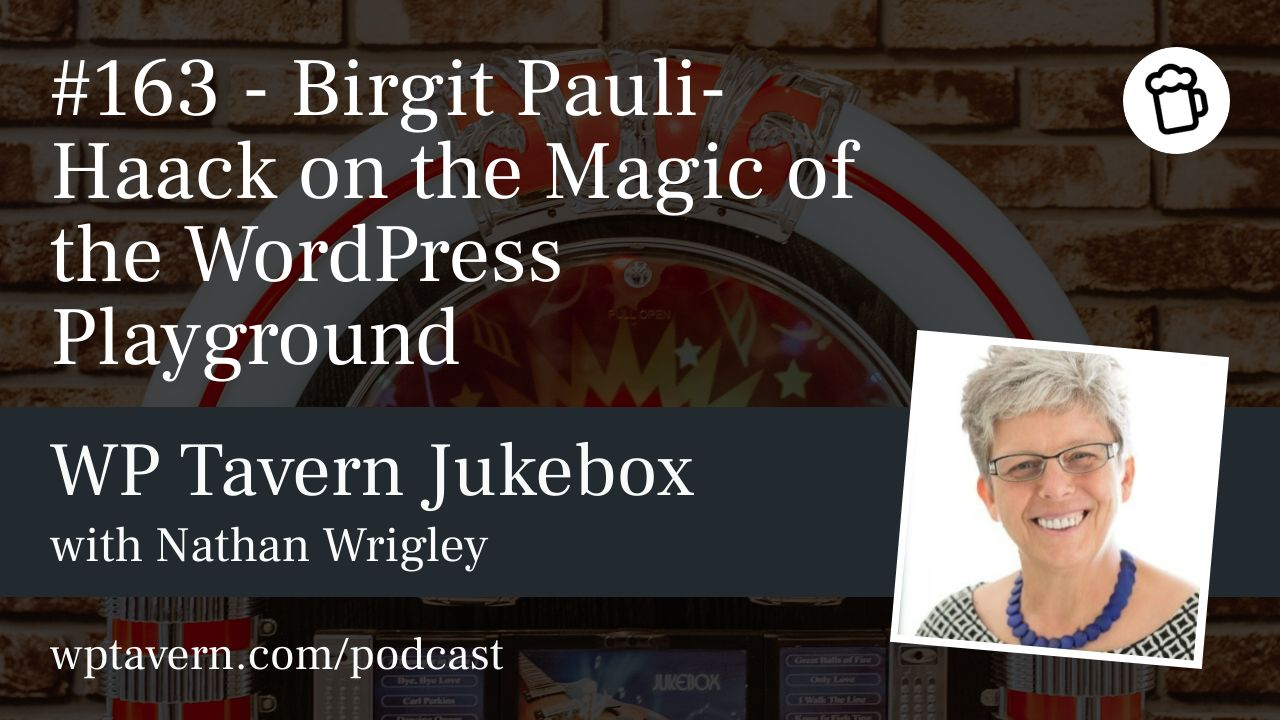
Playground removes friction from trying WordPress, testing plugins and themes, teaching, prototyping, and doing migrations. By making configurable, shareable WordPress instances available in the browser, it democratizes access and speeds workflows for educators, authors, developers, designers, vendors, and hosts. Birgit Pauli-Haack highlights the potential for writer-friendly authoring experiences that let content creators start writing immediately and later push content to a site.
Learn more
For Blueprints, examples, and documentation, visit playground.wordpress.net and the developer blog on developer.wordpress.org.