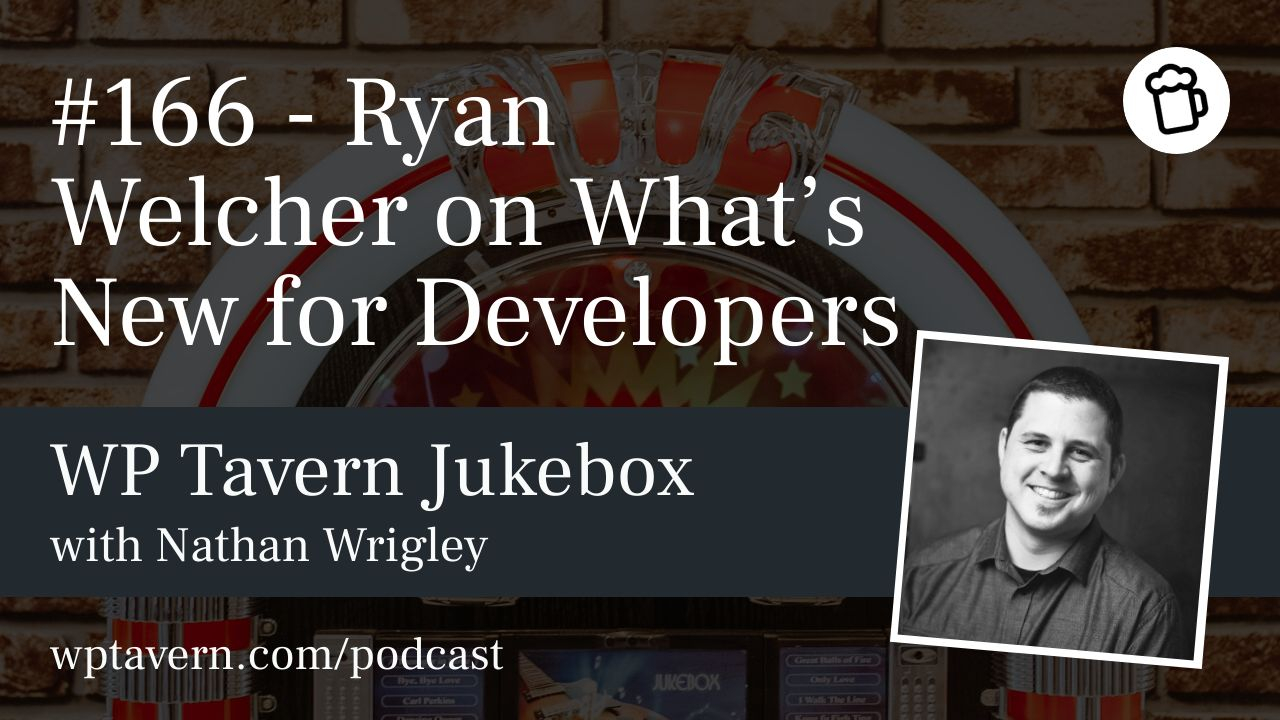

Nathan Wrigley interviews Ryan Welcher on the Jukebox Podcast at WordCamp Asia 2025 in Manila. Ryan is a developer advocate sponsored by Automattic who focuses on reducing friction for people building with Gutenberg and WordPress. He streams as RyanWelcherCodes on Twitch and YouTube, runs workshops, writes docs and articles, and contributes to the Gutenberg project.
Hands-on workshop: Block Developer Cookbook
Ryan’s sold-out workshop, back for a second year at WordCamp Asia, uses a cookbook format: attendees vote on which recipes to build and Ryan helps implement them live. The session covers practical block development techniques and highlights new WordPress 6.7 capabilities, including the Block Bindings API, Plugin Template Registration API, Preview Options API, and Data Views. The emphasis is on doing—picking patterns and building them in the editor so participants leave with working examples.
Role and background
Ryan moved into a full-time DevRel role at Automattic after agency work and years developing with WordPress. He enjoys public-facing work—talks, livestreams, and workshops—and spends much of his time creating documentation, demos, and tooling to make developers’ lives easier. His remit is broad: produce examples, advocate for improvements, and lower the barrier to modern block development.
Documentation and tooling
There has been a deliberate push to improve learning resources—Block Editor Handbook, developer.wordpress.org, and Learn—so developers can more easily move from PHP-centric workflows to JavaScript/React-driven block development. Tooling like wp-scripts and the Create Block package hides build complexity (webpack, bundling, etc.) so authors can focus on blocks. Ryan helps maintain those tools and produces streams, guides, and examples aimed at reducing setup friction.
Where to keep up
Keeping current can feel overwhelming. Useful sources include the “What’s new in Gutenberg” posts (biweekly summaries), Make/WordPress and the Gutenberg repo for deep technical context, WordPress Slack channels, and Core/Editor meetings. DevRel folks like Ryan also produce demos, writeups, and livestreams that package changes into approachable formats.
Key features covered
– Block Bindings API: Lets block content bind to post meta or custom fields so blocks can display and edit meta inline. For example, a paragraph block could be bound to a ‘job description’ meta field and edited directly in the editor, with changes saved both ways. Initial bindings support paragraph, heading, image, and button blocks, and custom bindings allow integration with third-party field managers. This reduces the need for bespoke dynamic blocks and simplifies meta-driven content workflows.
– Plugin Template Registration API: Enables plugins to register templates into the active theme (for example, a single template for a plugin’s custom post type). Plugins can ship curated default templates without requiring theme edits, improving UX for plugin authors and users.
– Preview Options API: A slot/fill extension in the editor preview area where plugins or blocks can add custom preview controls (light/dark toggles, alternative views, etc.). It provides a place to add preview-specific UI without altering editor chrome.
– Data Views: A JS component for list/grid displays in the site editor—useful for posts, templates, pages, and custom post types. It supports filtering, sorting, and multiple view modes, aiming to bring richer, admin-like item management into block-based editing. It’s experimental but powerful for more complex site editing flows.
– Zoom Out Mode: Offers an overview of a long document or page, making it easier to navigate and rearrange blocks after inserting patterns, especially helpful on small screens or with complex content.
– Bits (editable subareas) and Interactivity API: Bits let authors expose tiny editable regions inside a larger block output (for example, editing a single numeric field without toggling the whole block into edit mode). The Interactivity API supports dynamic behaviors in block content. Together they enable more granular inline editing and richer interactions without requiring full custom block development.
Complexity, options, and opportunity
Gutenberg adds more options than traditional WordPress—greater flexibility can be confusing at first but also empowers non-coders to build complex layouts. Ryan notes that these options don’t eliminate developer work; they shift what’s valuable. Implementers can build libraries, UI-driven tools, and integrations to package complexity for end users rather than writing bespoke JS for every project.
AI and developer workflows
AI tools (like code assistants) are speeding up scaffolding, examples, and routine tasks. They help generate patterns, tests, and initial implementations faster, but developers still need to validate, integrate, and maintain the output. Ryan sees AI as an enabler that reduces repetitive work and boosts productivity, not a replacement for developer judgement.
Formats Ryan uses
Ryan livestreams weekly (Thursdays at 10:30 Eastern) on Twitch and YouTube as RyanWelcherCodes, and writes for developer.wordpress.org/news and other docs channels. His content ranges from deep dives (webpack internals) to practical introductions (SlotFill, block variations).
Final thoughts
Ryan is optimistic about Gutenberg’s direction: better docs, improved tooling, and growing capabilities like bindings, data views, bits, and interactivity. These advances make WordPress more powerful for developers and end users, create new opportunities for plugin and tooling authors, and open pathways for sophisticated, code-light site builds. The interview and accompanying show notes link to Ryan’s streams, workshop materials, and WordPress developer resources for further reading.